
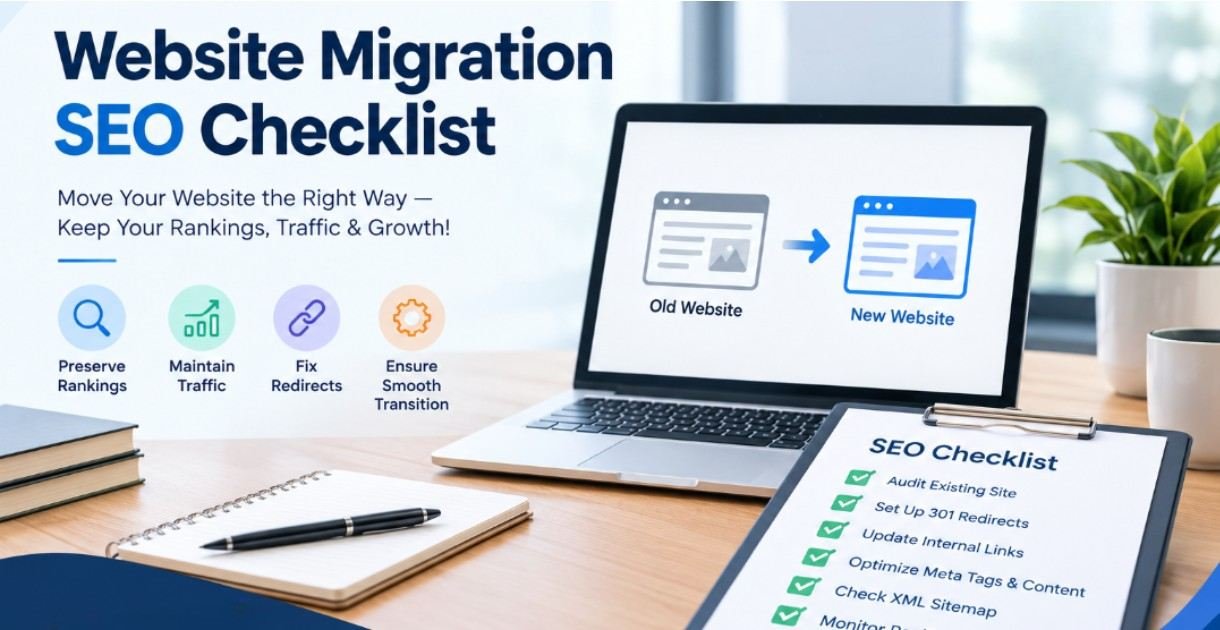
Website migration can improve site structure, performance, branding, and user experience, but even a small technical mistake can cause ranking losses. A migration may involve changing a domain, redesigning a website, moving to HTTPS, changing URLs, switching platforms, or restructuring content.
In 2027, SEO migration requires more than preserving rankings. Businesses also need to maintain crawlability, structured data, page experience, and visibility across traditional search and AI-powered search platforms. A detailed pre- and post-migration checklist can reduce risks and make the transition smoother.
SEO website migration is the process of making significant website changes while maintaining existing organic search visibility. Depending on the project, this may include URL changes, domain migration, CMS changes, site redesigns, hosting changes, or a combination of these.
Search engines need time and clear signals to understand the changes. Proper planning helps preserve valuable URLs, backlinks, rankings, traffic, and indexed web page content.
Start by crawling the current website and documenting important SEO elements. Keep record indexable web URLs, title tags, meta descriptions, canonical tags, status codes, internal links, headings, sub heading, structured data schema, and important content.
Also review the organic traffic, keyword rankings, conversions, backlinks, and top – performing pages.
If URLs are changing, create a complete old-to-new URL map report. Each important old URL should point to its most relevant new destination through a permanent 301 redirect.
Avoid redirecting every old URL to the homepage. Irrelevant redirects can create poor user experiences and may weaken the migration’s SEO signals.
Before launch, check robots.txt, XML sitemaps, GA4 (Google analytics) GSC (Google search console code), canonical tags, schema markup, pagination, hreflang where applicable, internal linking, JavaScript rendering, and indexability.
Make sure staging environments are blocked from search engines, but remove accidental noindex directives and crawl restrictions before the new website goes live.
Do not remove high-performing web pages simply because the website is being redesigned or rewamp. Review pages based on traffic, rankings, backlinks, conversions, and business value.
If content needs to be consolidated, redirect the old URLs to the most relevant replacement rather than deleting them without a plan.
Confirm that Google Analytics 4 and Google Search Console are properly configured. Make sure tracking codes continue working after launch.
Immediately after launch, crawl the new website and test the redirect map. Look for redirect chains, loops, broken redirects, 404 errors, and unexpected 5xx responses.
Important old URLs should resolve to the correct new pages with permanent redirects.
Check robots.txt, meta robots directives, canonical tags, XML sitemaps, and HTTP status codes. Confirm that important pages are accessible to search engines.
Submit the updated XML sitemap through Google Search Console and monitor indexing changes.
Compare post-migration performance with the pre-migration standards. Monitor organic clicks, impressions, rankings, conversions, indexed pages, and landing-page traffic.
Check internal links to ensure they point directly to the correct URLs. Test structured data and confirm that important schema remains valid.
Also check Open Graph tags, canonical URLs, images, alt text, and page titles and description across the migrated website.
For 2027, migration monitoring should also consider visibility across AI-powered search platforms. Important business information, services, authorship, entities, and structured data should remain consistent and accessible.
Track branded mentions, AI citations, qualified organic traffic, and other visibility indicators alongside traditional rankings.
Some of the most common migration problems include launching without a redirect map, removing valuable pages, changing URLs unnecessarily, blocking crawlers, forgetting canonical tags, creating redirect chains, and failing to monitor performance after launch.
For successful website migration requires SEO planning before development and continuous monitoring after launch. A detailed URL map, technical audit, content review, redirect strategy, analytics setup, and post-launch validation can help protect organic visibility.
For 2027, businesses should also include AI search visibility, structured data, and broader search performance indicators in their migration strategy.

Clear answers to common questions about
our process, pricing, timelines, and support.

The timeline depends on the website's size and complexity. Small sites may require a few weeks of preparation, while larger migrations can require several months of planning and testing.
Yes it can. Rankings may fluctuate when URLs, content, technical architecture, or domains change. Proper redirection, sustainable content, and technical checks can reduce the risk of significant losses.
No. redirect important URLs to the most relevant replacement pages. URLs with no useful equivalent may be handled differently based on their SEO value and purpose.
Checking immediately after launch. Monitor the website closely during the first few days and continue tracking rankings, traffic, indexing, errors, and conversions over the weeks.
301 redirections guide users and search engines from old URLs to relevant new URLs, helping preserve SEO signals.
Use relevant 301 redirections, preserve important content, update internal links, and test the new website before launch.
Monitor Google Search Console, Google Analytics, indexing status, organic traffic, keyword rankings, and crawl errors.
Common mistakes include missing redirection, broken links, lost content, incorrect canonical tags, and noindex directives.